GRAIN ROT: How to Invite Friends from the Outpost
The launch-week tutorial shows an Outpost invite interaction opening a window, but not the subsequent selection flow.
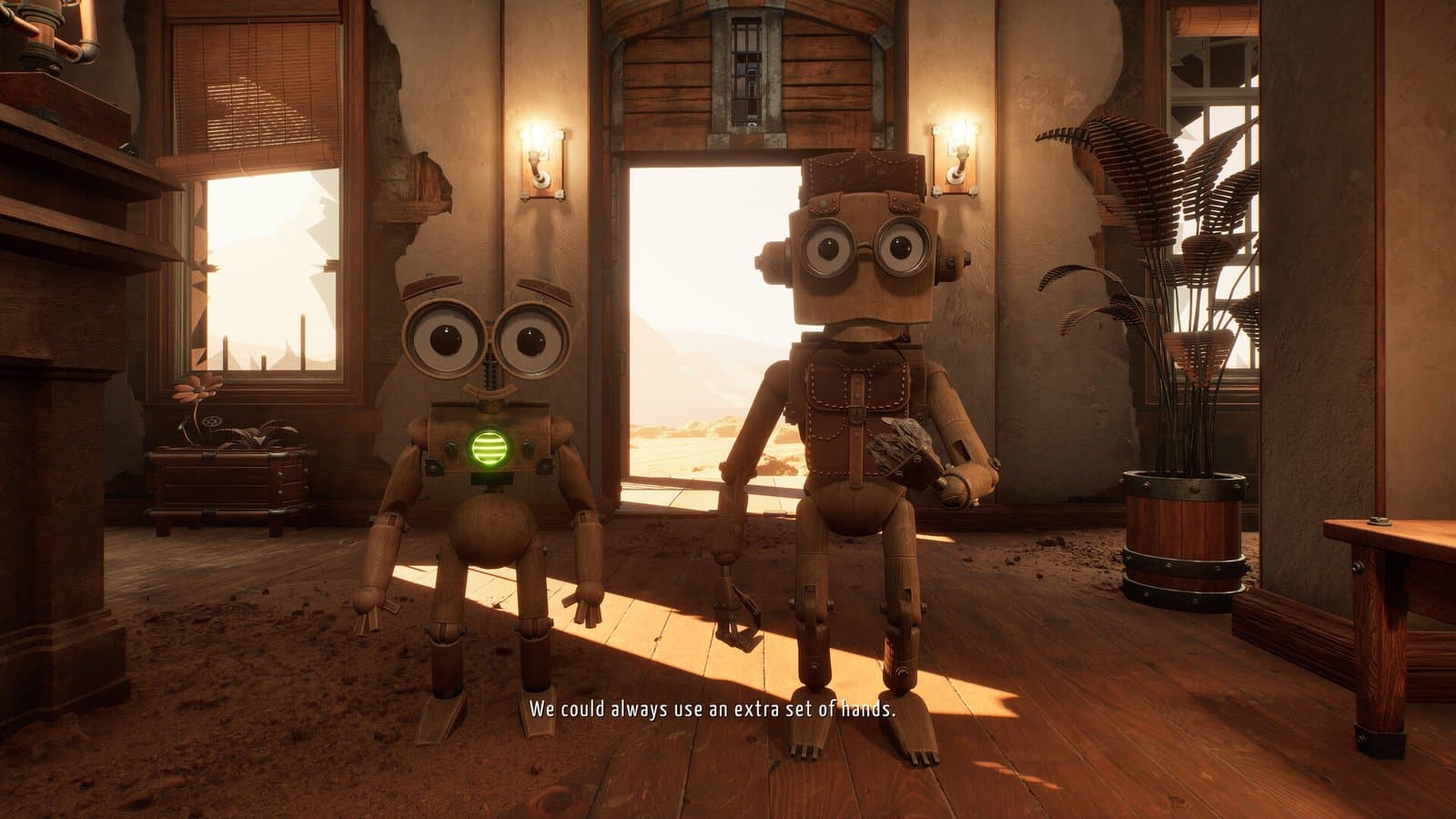
In this field note
The launch-week GRAIN ROT beginner walkthrough shows an invite interaction at the Outpost and says clicking it opens an invite window. The retained transcript stops there: it does not establish whether the window is Steam Overlay, an in-game friend list or another provider, and it does not show friend selection, acceptance or invite-code steps.
How to invite friends in GRAIN ROT
Finish the opening tutorial far enough to reach the Outpost preparation area. Look for the invite interaction demonstrated by the current interface and activate it. From that point onward, follow the live window rather than this transcript: the source does not provide a universal keyboard shortcut, UI label or verified friend-selection sequence.
Steam officially lists Online Co-op for App ID 4450620. That confirms the feature even if a later patch moves the button.
Verify the lobby before descending
After completing the current invite flow, wait until the joining players are visibly present in the Outpost before descending. Use an agreed communication channel and make sure nobody is still downloading an update. The retained sources do not prove whether host identity is exposed or whether late joining during a Deep Layer is supported.
If a friend cannot join
First compare game versions and restart the game after an update. Because the source does not identify the invite provider, inspect the current window before assuming Steam Friends, an invite code or a platform overlay is involved. Record the visible UI and build version when reporting a failure.
Do not disable operating-system security, download an unofficial “lobby fix,” or share account credentials. Those actions are not justified by the sources retained for this guide.
Crossplay is a different question
The official platform metadata currently lists Windows and marks macOS and Linux unsupported. No console product page is linked. Inviting another Windows Steam user is confirmed online co-op, not evidence that separate console or PC storefront versions can share a lobby.
Group and run discipline
Before pressing the elevator, agree on the run goal and who will call the return route. Steam’s official description says the collected loot is lost when all vessels are destroyed, so the invitation step should end with a plan, not only a headcount.
Evidence status: Online Co-op is Steam-confirmed. Only “Outpost interaction opens an invite window” is player-observed; provider, friend-selection, acceptance, codes and late joining remain unverified.
Sources and evidence
This is an independent player guide, not an official Beck & Branch Games, Neem Interactive or Steam website.